MJ Memories
MJ Memories
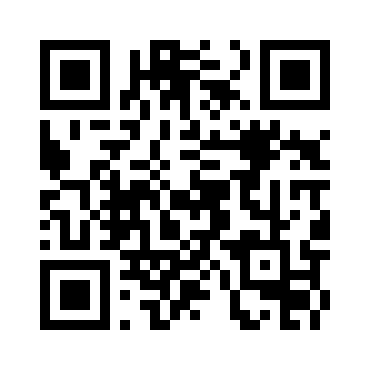
This QR code opens the current preferred card address. For printed cards that must keep working after domain changes, use the permanent redirect QR code.
Save this digital card
Scan to add contact

Some phone cameras offer to add this QR contact directly. If yours does not, use Save to phone contacts instead.
Wallet saves a pass with a QR link to your card. It does not automatically insert this person's details into Contacts.